
- Login to your FlyEasy account.
- You should land on your Fleet Director page by default. Simply click on the aircraft that you would like to remove from your fleet.
- A page similar to the one below should display.
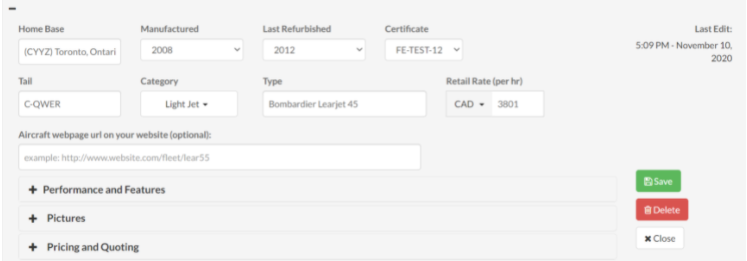
- Simply click on the red Delete button located towards the right side of the page