
- Login to your FlyEasy account.
- You should land on your Fleet Director page by default. Simply click on the aircraft that you would like to edit.
- A page similar to the one below should display.
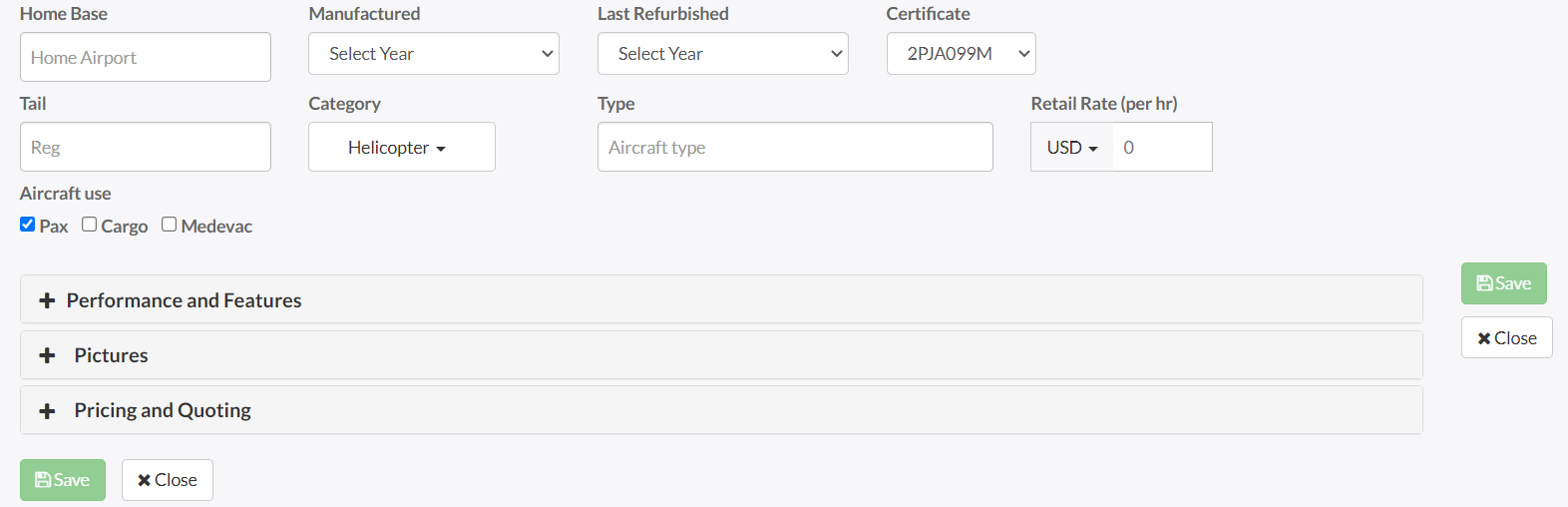
- You are now able to edit all of the information for the aircraft. Be sure to expand the Performance and Features, Pictures and Pricing and Quoting sections to edit that data as well.
- When you have finished, click on the save button.