
- After your quote has been sent, client signed and the trip is paid or credit card hold has been placed, your Opportunity Manager dashboard will show the trip as "client signed"

- Once you have confirmed with the Operator the tail of choice is available, click on the arrow pointing down to the right of "Client Signed" and change the status to "confirmed".
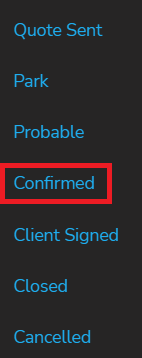
- Clicking "confirmed" will automatically re route you to the Opportunity Review page. Ensure everything is correct before you click "Confirm"
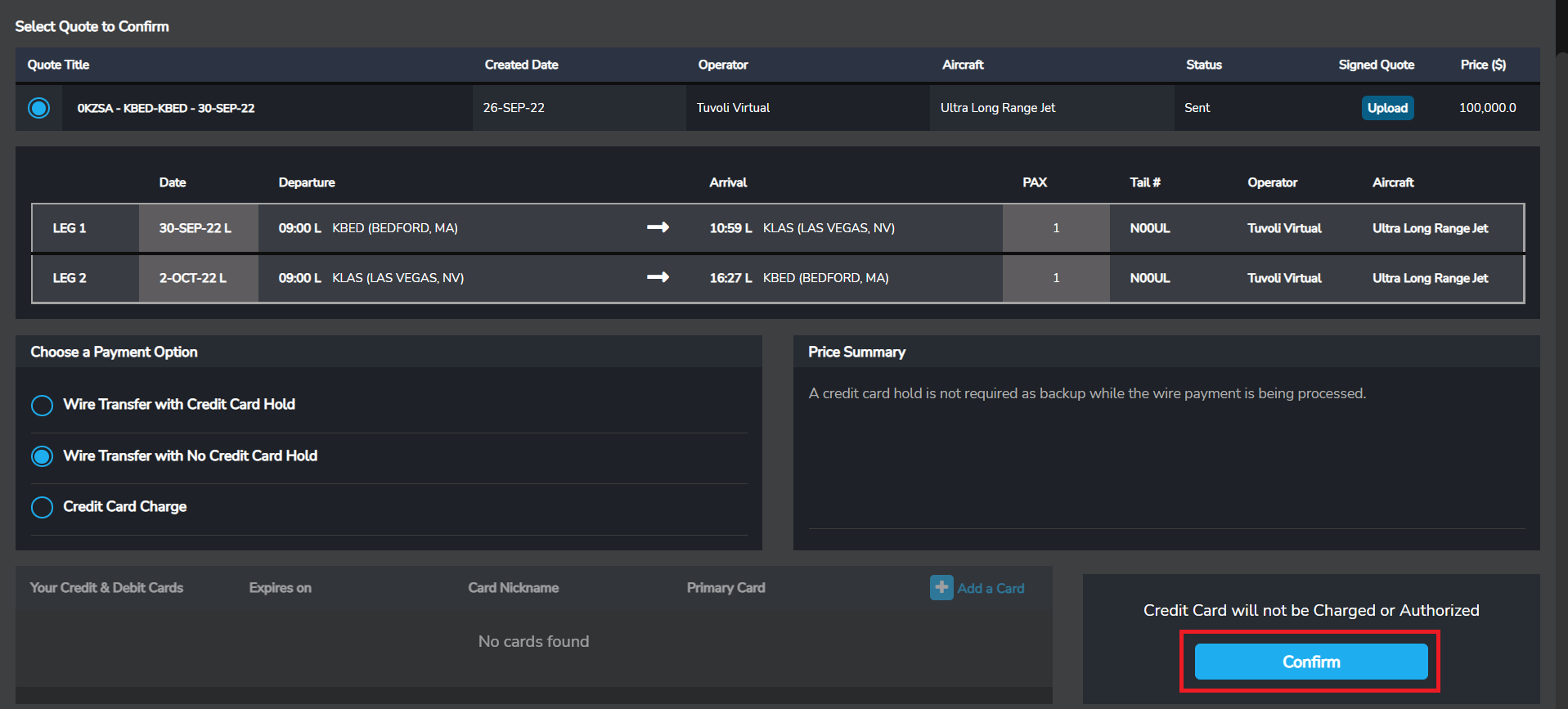
- Clicking confirmed means the trip is ready to be flown. If the Operator is also a Tuvoli user, you can transfer funds directly into their Tuvoli account by clicking "Pay Operator".
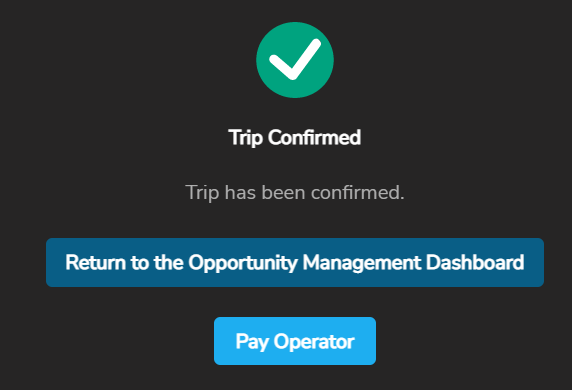
- What is "Pay Operator" shown above? If you recall in a previous step, you will know when choosing a tail/operator if the user is also a Tuvoli user by seeing this symbol
 .
.- If you did not see the above symbol when selecting the tail/operator, you will not be able to pay them inside of Tuvoli. You will have to choose "pay outside Tuvoli".
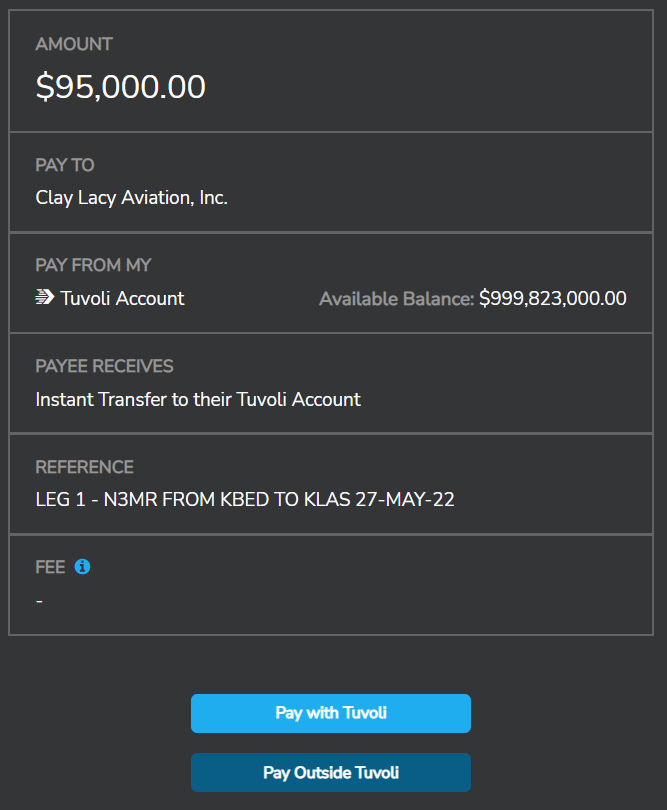
- If you are able to "Pay with Tuvoli", the payment is almost instant to the operator's Tuvoli bank account.