The purpose of this article is to provide step by step instructions on how to add an aircraft/tail to a quote if the one you need isn't showing up (in Tuvoli) under the selected operator. This will go through how to add the aircraft type and how to change the name of the operator to show up correctly on your quote.

Type Aircraft Type ie. King Air 350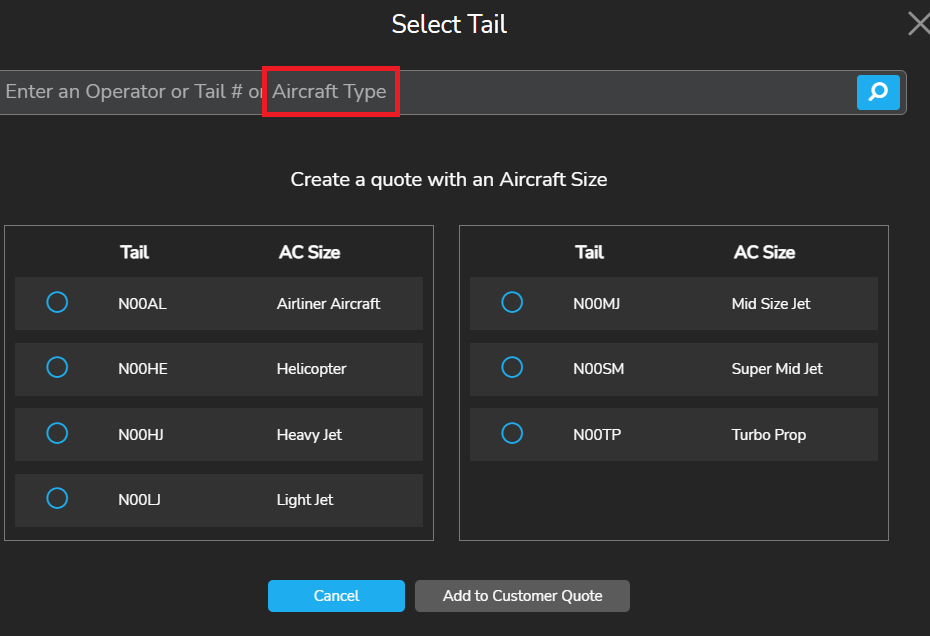
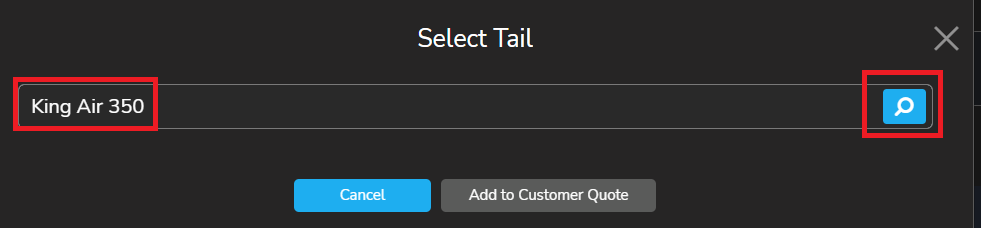
This will pull a list of all operators with listed with the selected aircraft type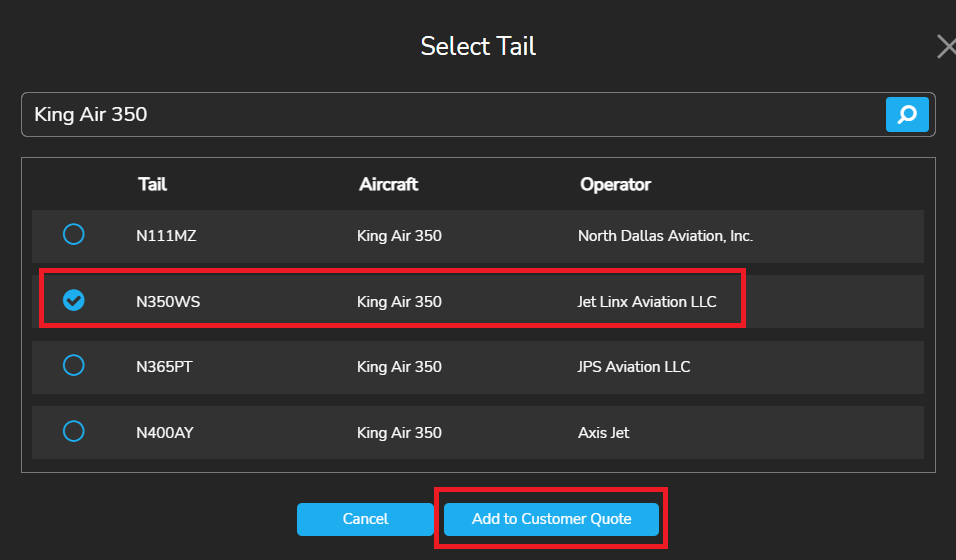
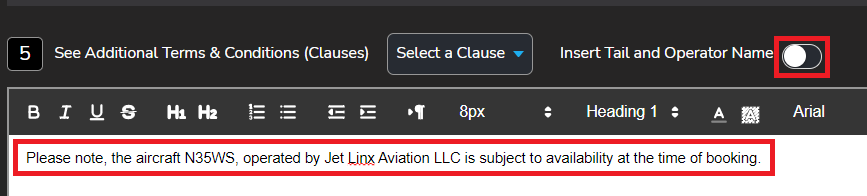
Once you have filled out all relevant information to complete your quote, (down the bottom of the page) "Insert Tail and Operator Name" will be (by default) turned on. You want to turn the toggle feature off and put the Operator and Tail information in the notes of the quote.