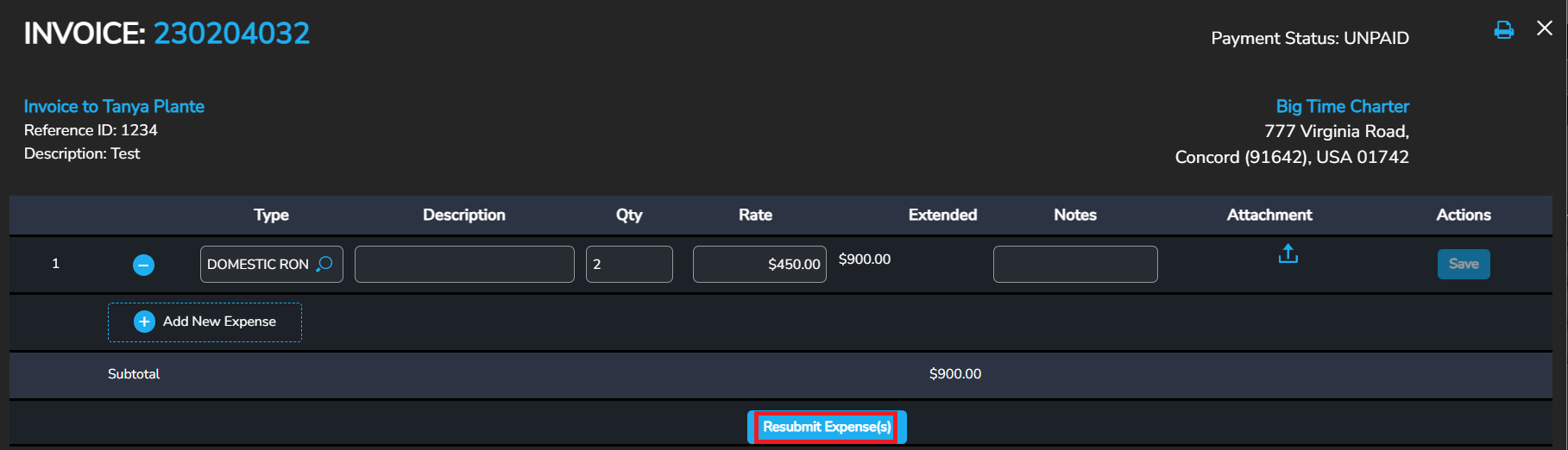
NOTE: Expenses MUST have a of value $1 or more
1. Login to your Tuvoli account.
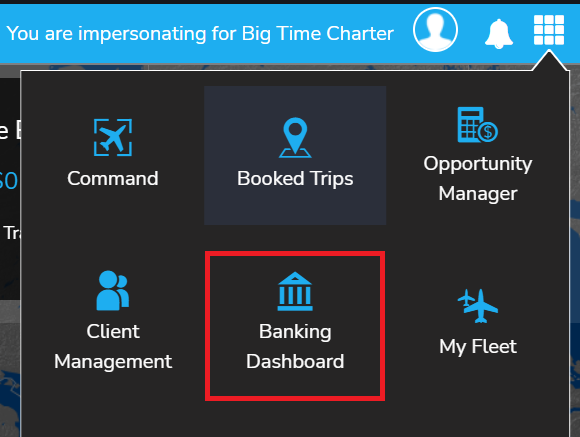
2. From the waffle menu located in the top right-hand corner of your screen, please click on "Banking Dashboard".
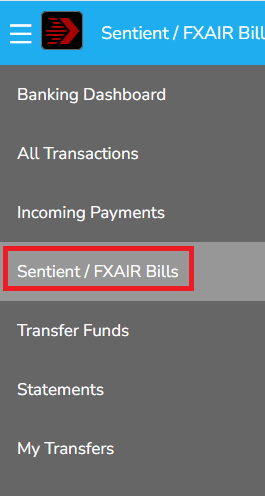
3. Click on the "Sentient/FXAir bills" button located on the left-hand side of the screen.
4. Locate the desired invoice and click on the "View" button located on the right side of the invoice.
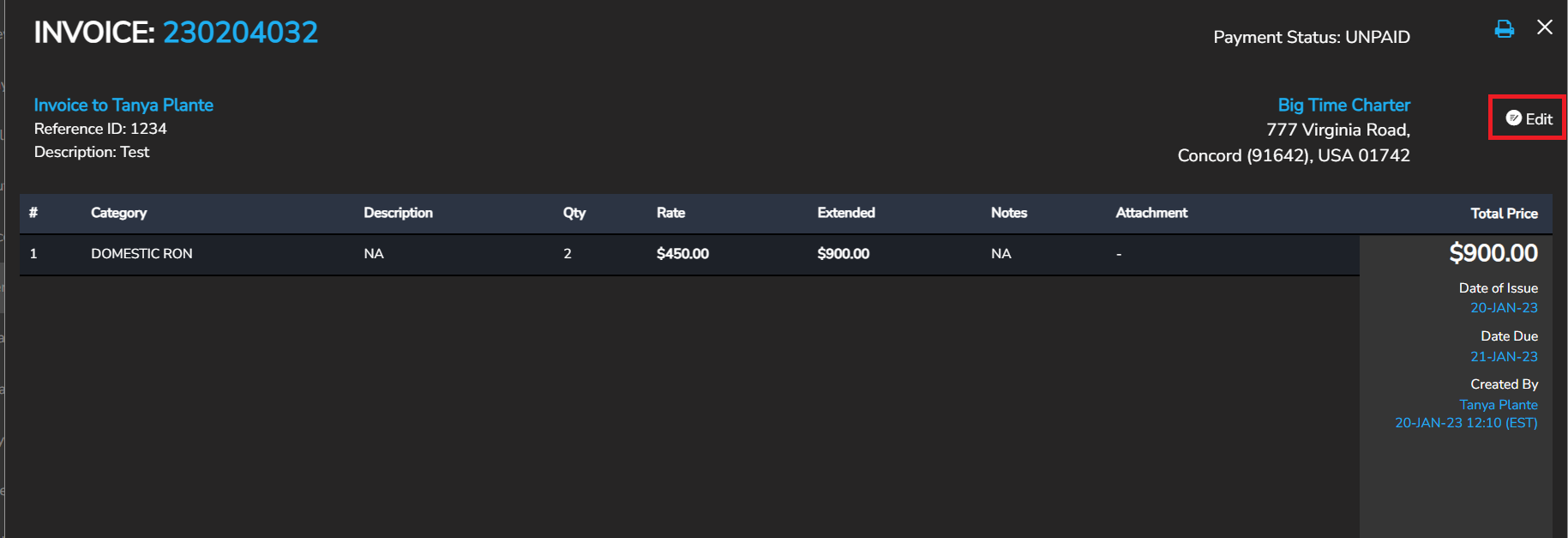
5. Within the invoice, click on "Edit" located in the upper right-hand side of the screen and make the desired edits. *Please note if the "edit" icon does not appear, please contact Sentient or FX Air's accounting department and ask them to "reject" the invoice so you can make the necessary adjustments.
 6. Once all of the necessary edits have been made, click on the "Resubmit Expenses" button located at the bottom of the invoice for payment.