
The purpose of this article is to assist the operator in how to view "tasks" on the Tuvoli platform.
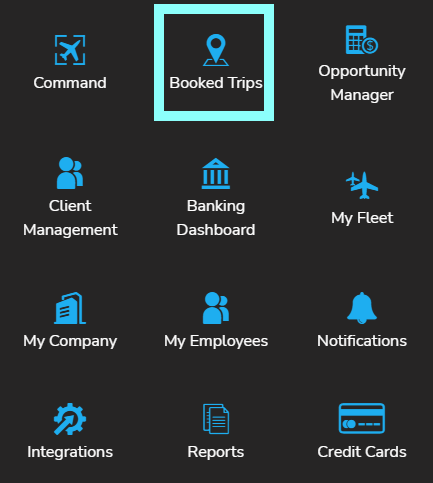
1- To access "tasks", click on Booked Trips in the waffle menu, in the top right-hand corner of your screen.
2- Locate the desired trip (searching with date range, trip status, funding status or tail # and/or trip #)

3- Once you've located the desired trip, click the "details" button to the left.

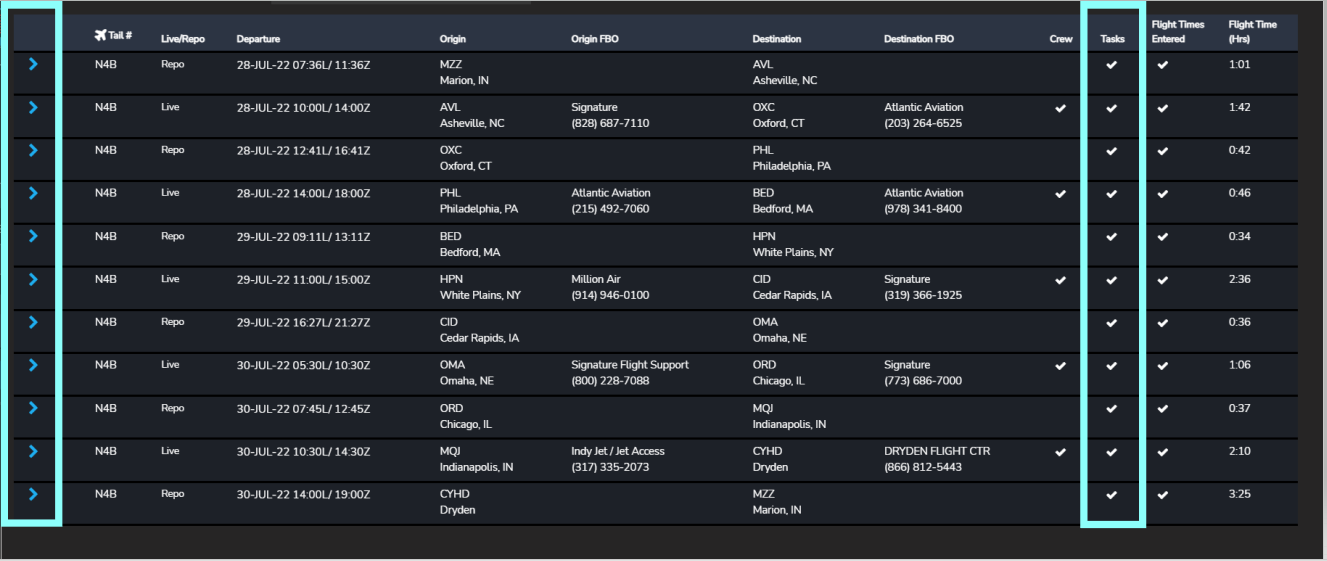
4- This will open the trip details. To view the details of each leg, click the blue carrot to the left of the tail#. To the far right, is where tasks are located. Click on the carrot to expand the leg and view full trip details including tasks.
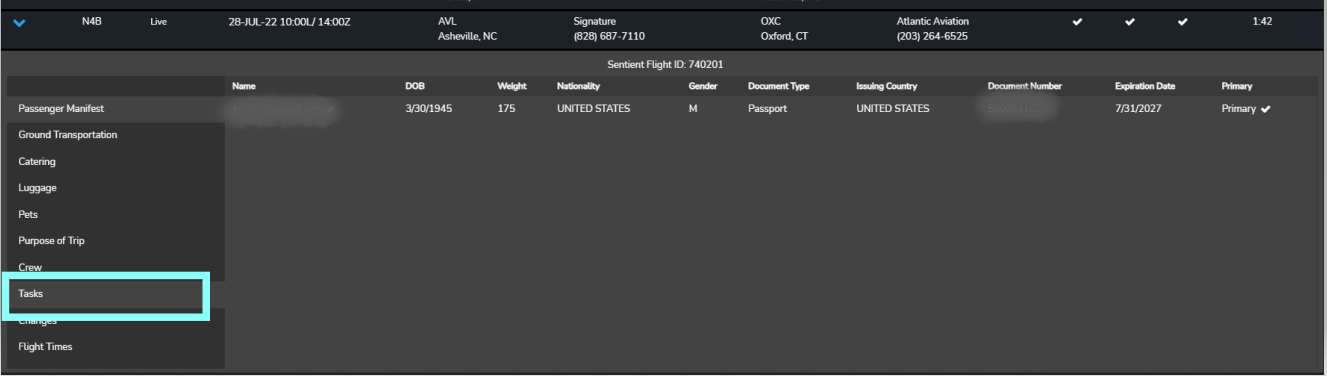
5- After you expand the leg, you will see any items (tasks) that require your attention.
.