
The purpose of this article is to walk the operator through the process of viewing trips for Sentient/FXAir operators.
1. From the waffle menu, located in the top right-hand corner of your screen, click on "Booked Trips".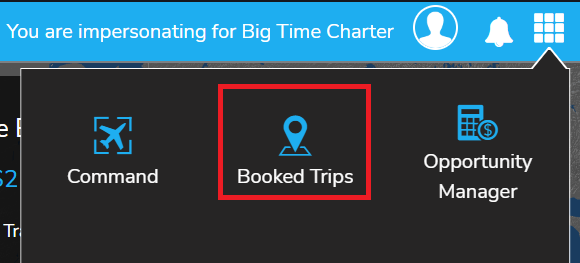
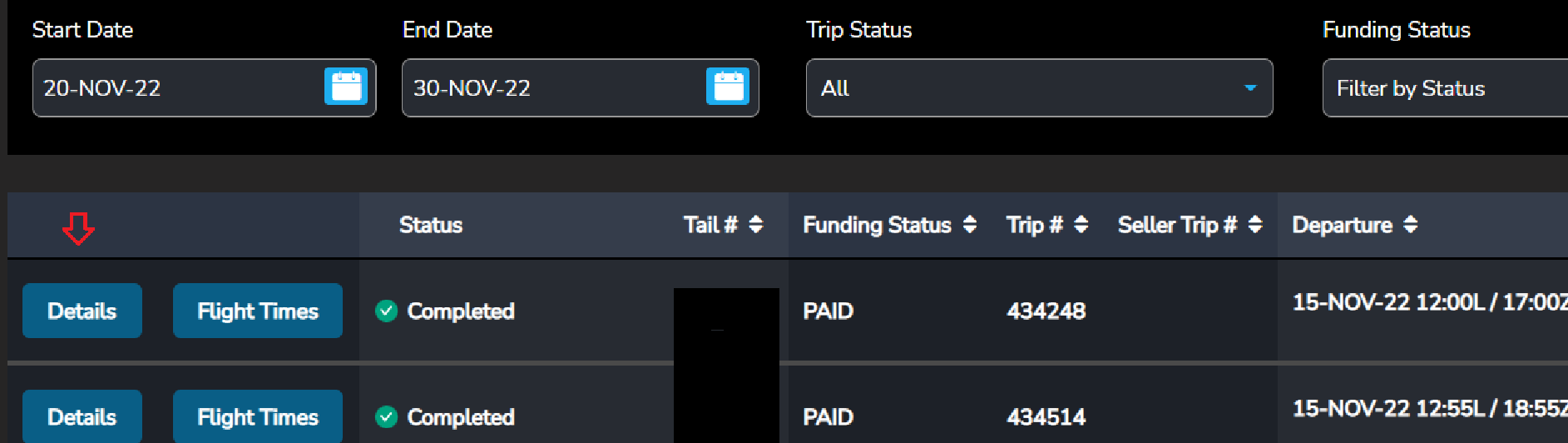
2. Recent trips will appear on-screen. You may also adjust the Start Date and End Date fields to expand your search. Additionally, you may search By Trip Status, Tail or Trip number. In order to locate your trip in the Trips Overview Page, enter the appropriate dates in the dates range calendars, the tail number, or the trip number.

3. Locate the desired trip from the generated trips list and click on the "Details" button for the trip
4. A separate window will open displaying all of the trip's legs.
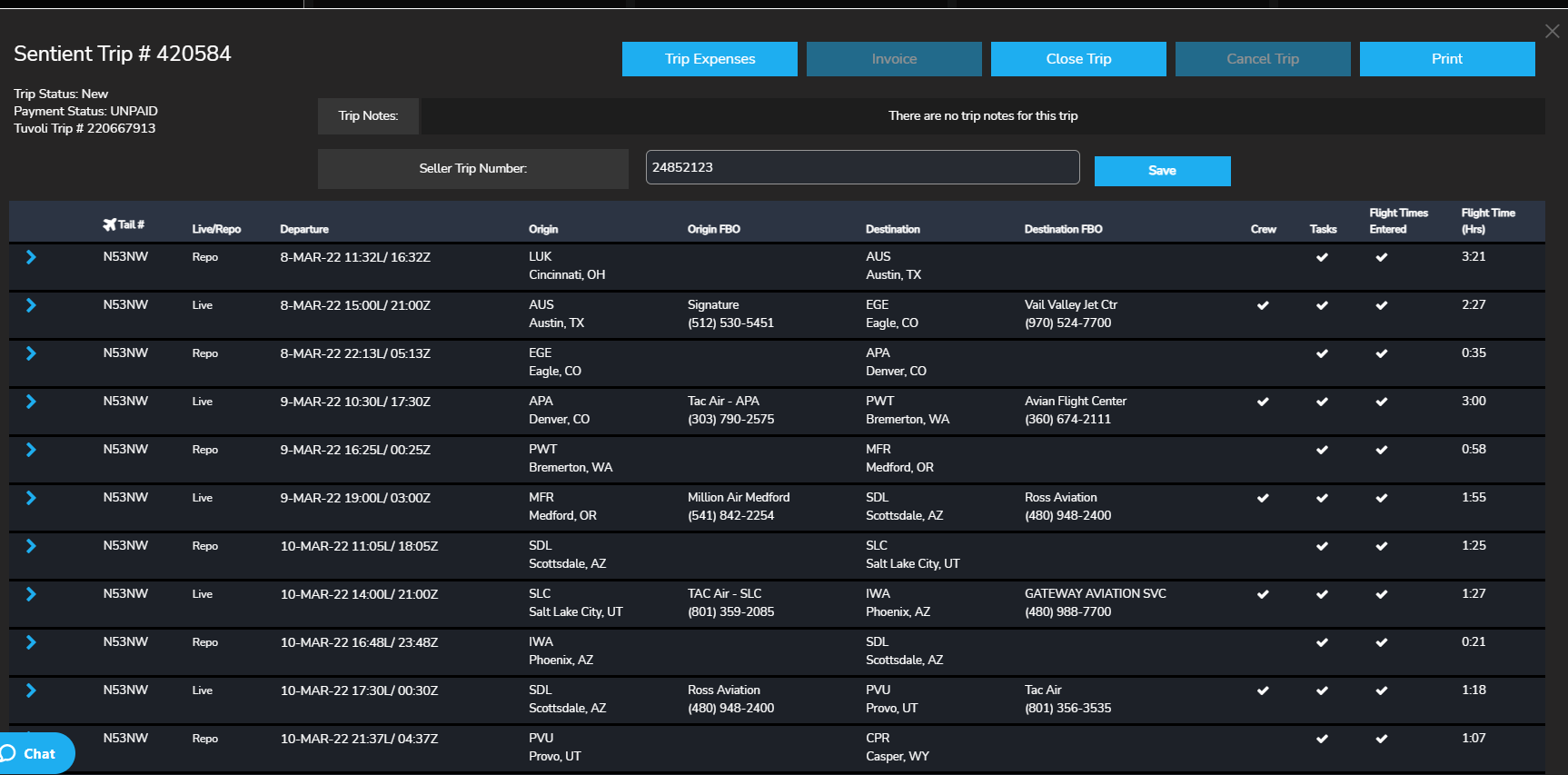
6. To expand a particular leg to view additional details such as catering, etc., click on the blue "carrot" (arrow) located at the left side of the leg details.
7. This will open the expanded view.